Android- Responsive and Specialized Ranza Theme for Opencart
Documented by Mojoomla - June - 2020
Android - Responsive and Specialized Ranza Theme for Opencart
Documented by Android - June - 2020
Android Seller Side
1) Seller Register
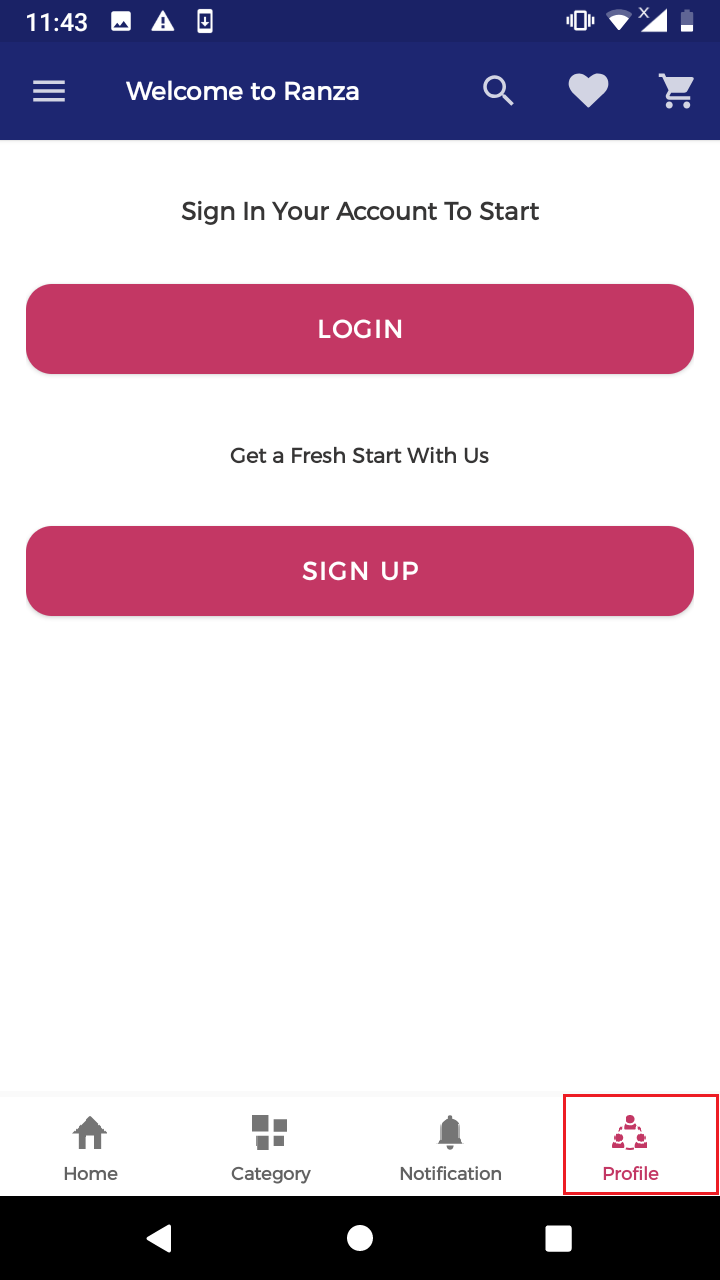
# Click on the profile to log in or register the user.
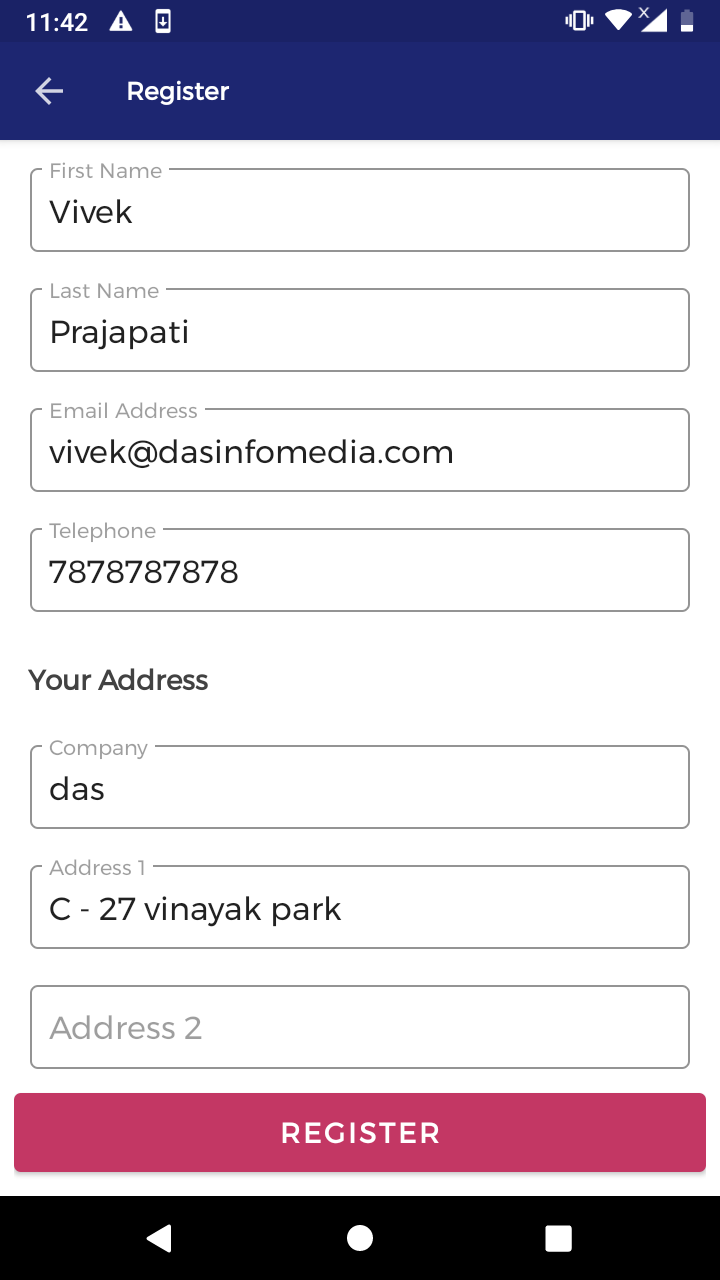
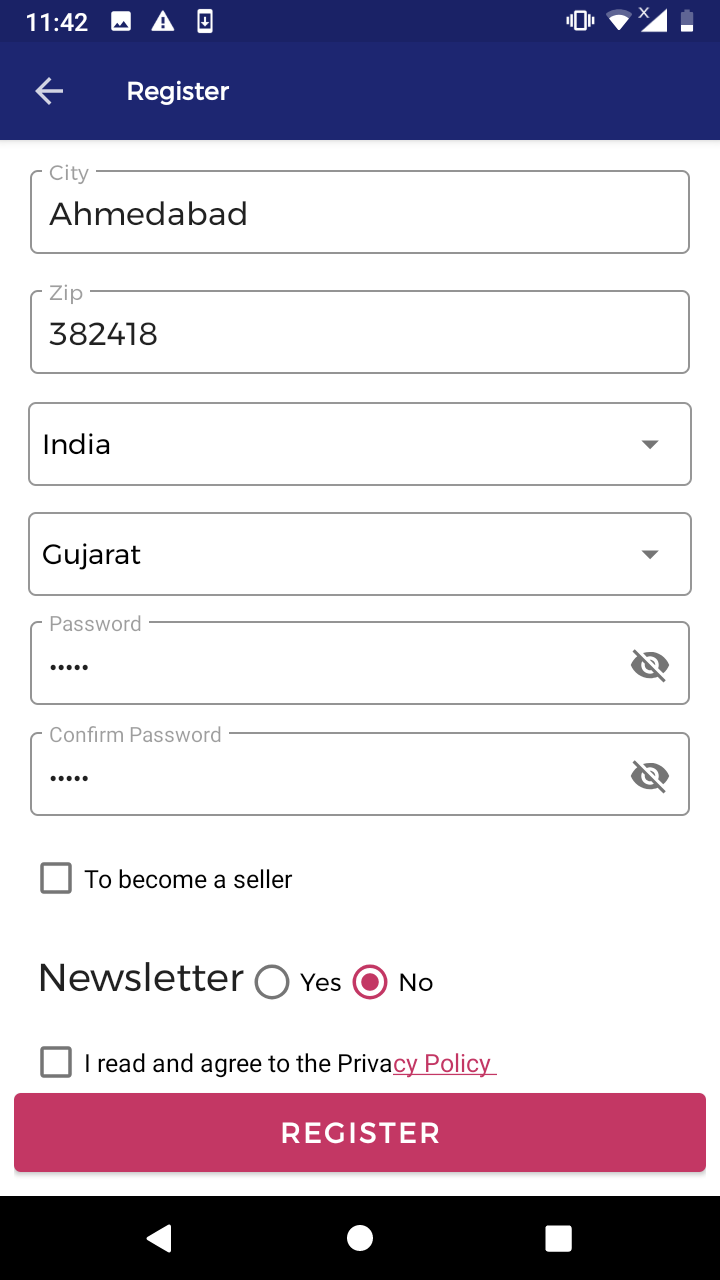
# Fill Ups The Details.
2) Seller Login
# Enter the username and password.

3) How to edit seller account
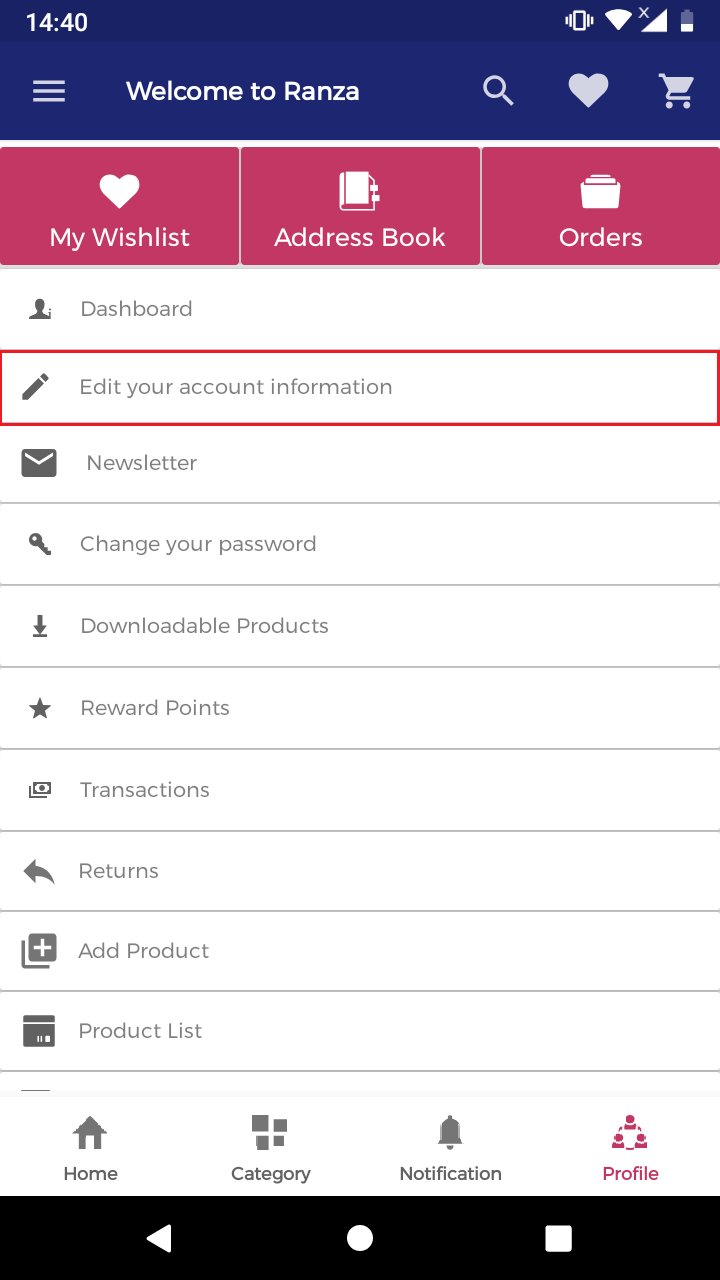
# Select the edit your account information link.
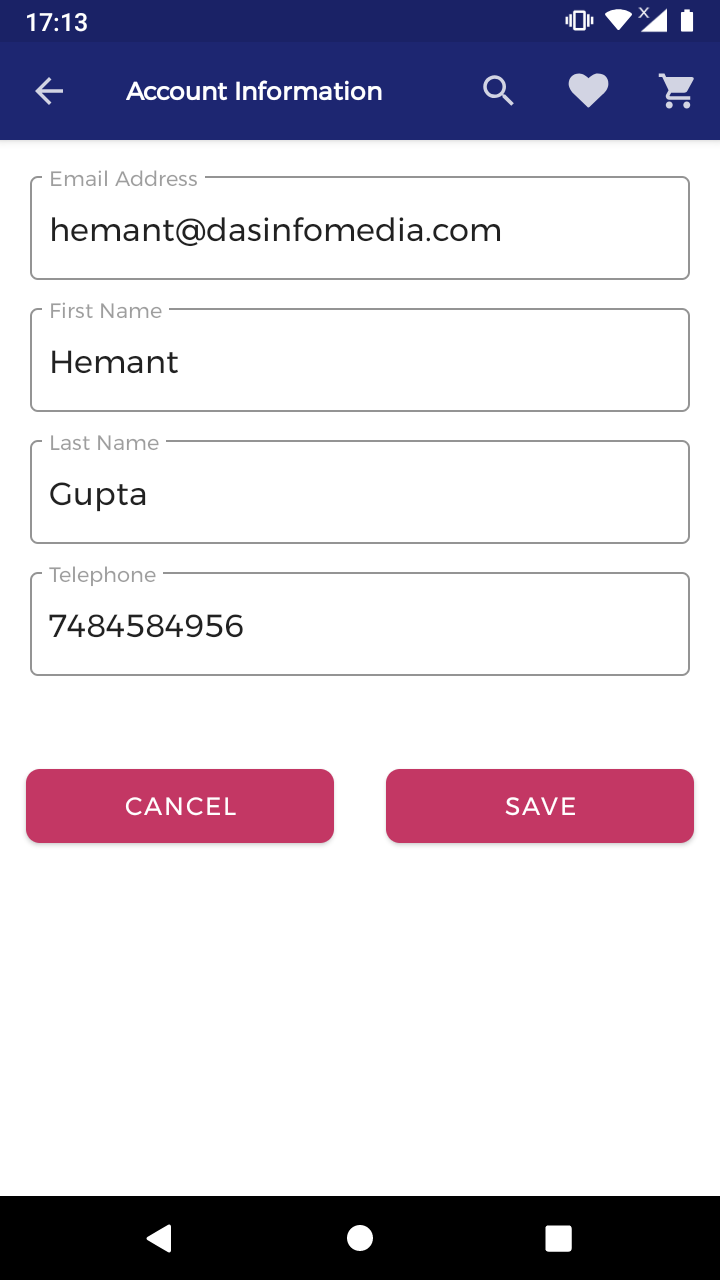
# Edit your account information like:- Name, Email, Phone Number and click save button.
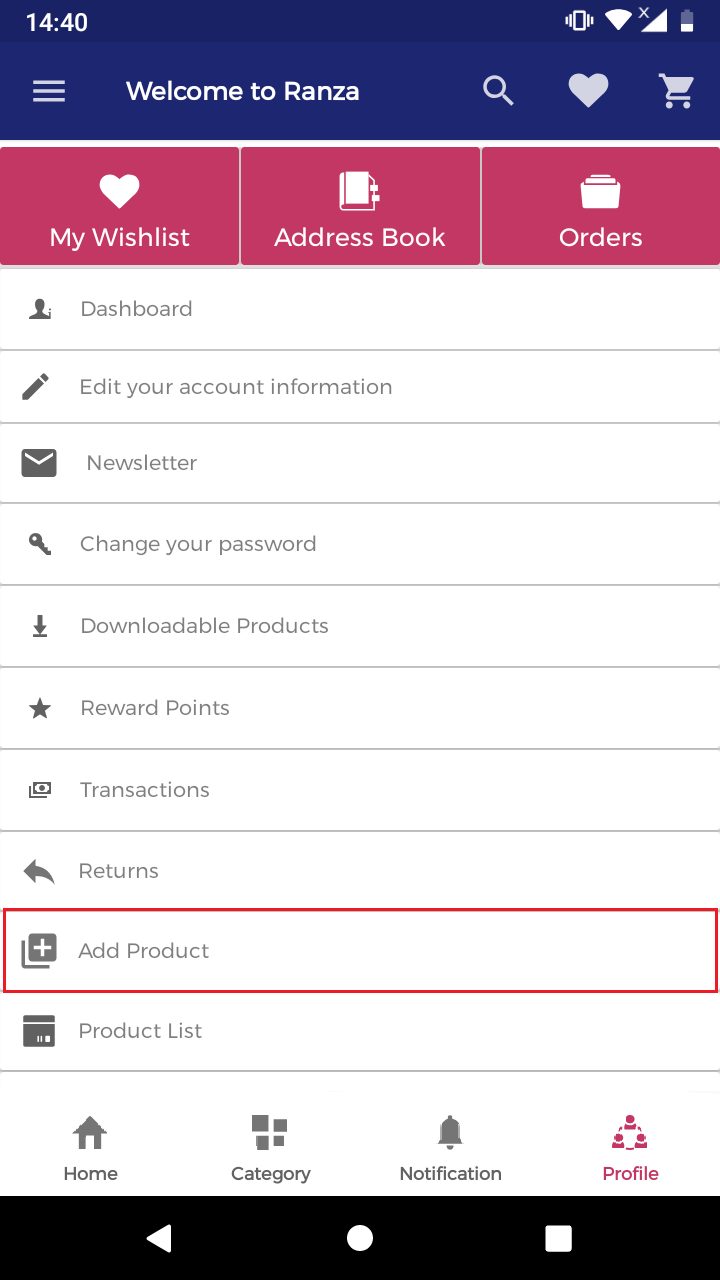
4) How to add the product
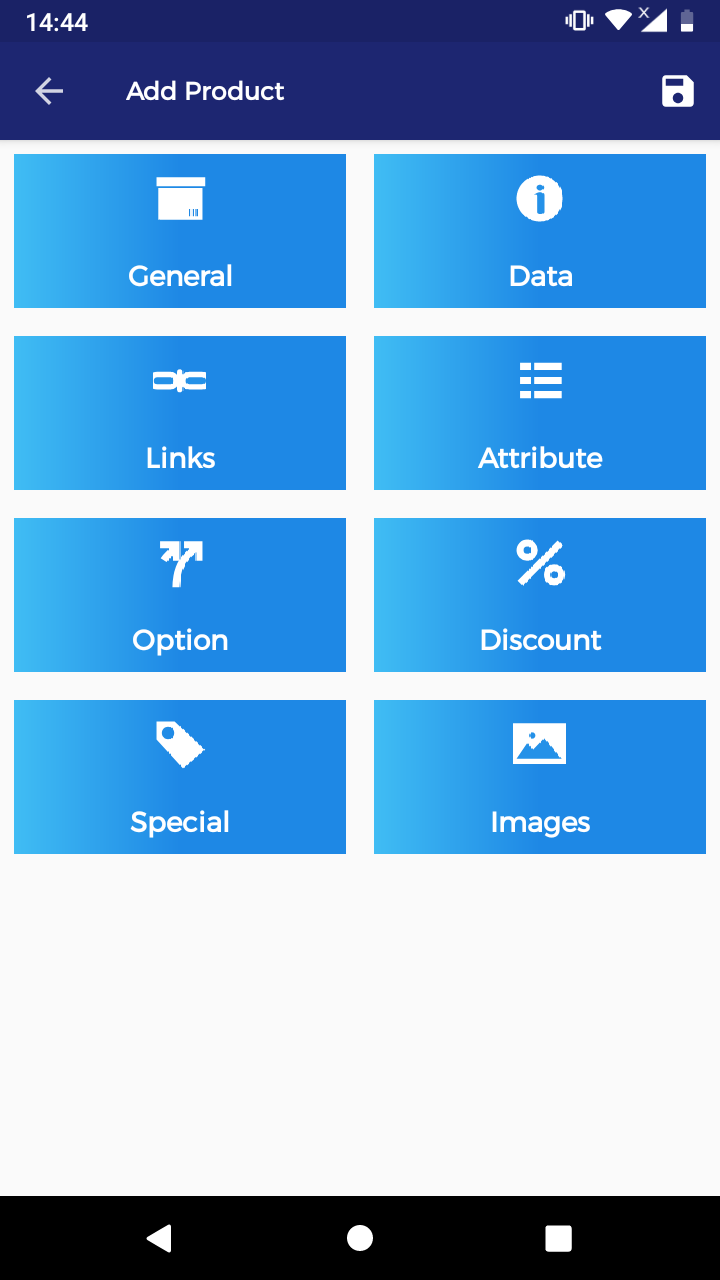
- General
- Data
- Link
- Data
- Options
- Discount
- Special
- Images
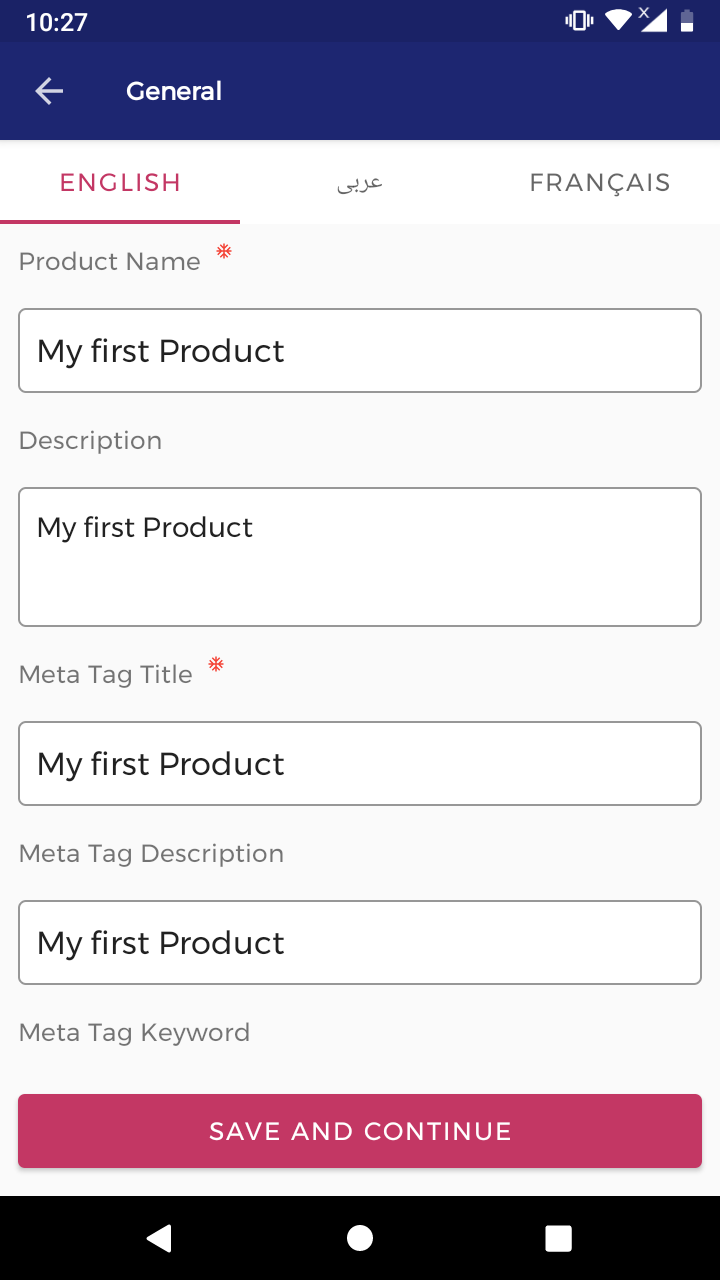
# Insert the product name English(Language).
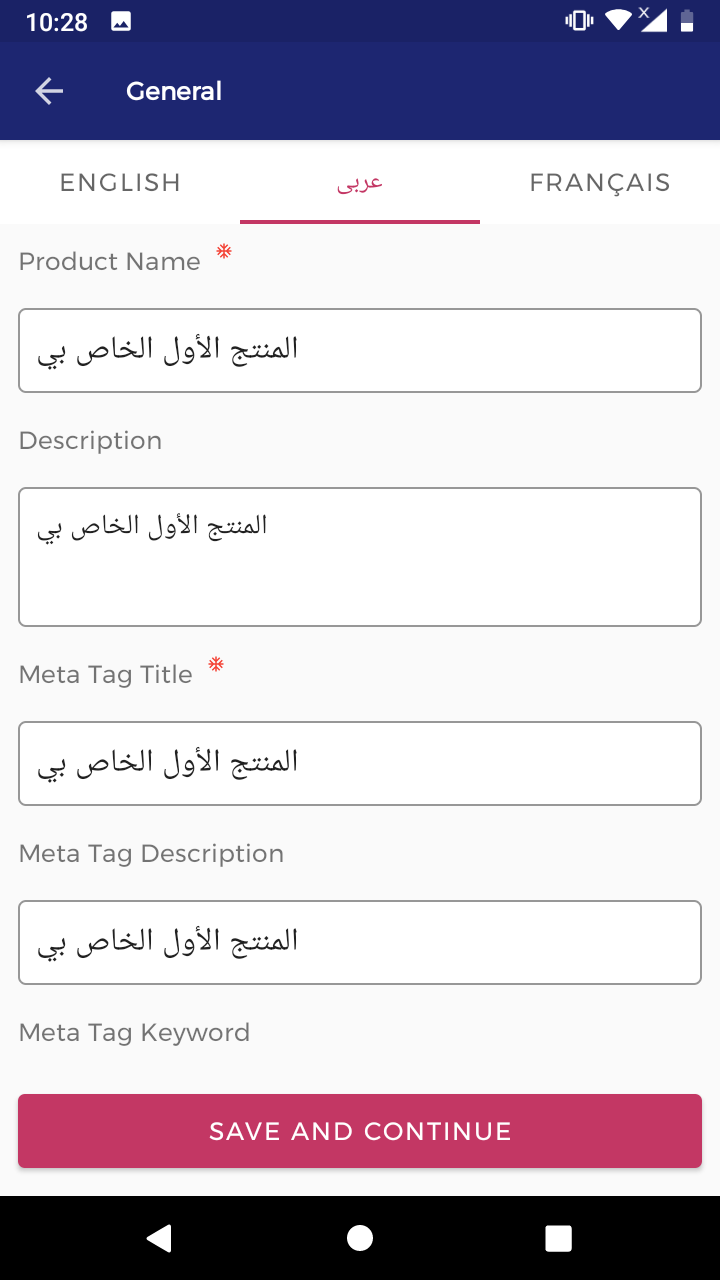
# Insert the product name Arabic(Language).
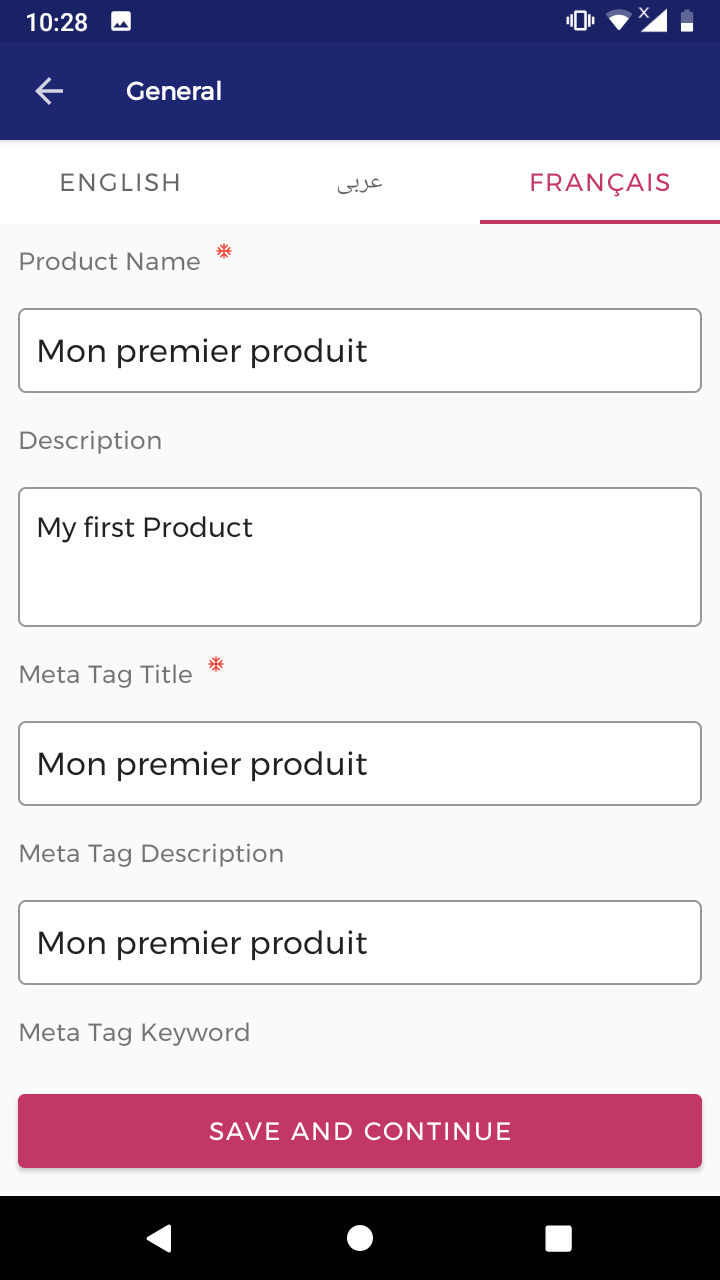
# Insert the product name French(Language).
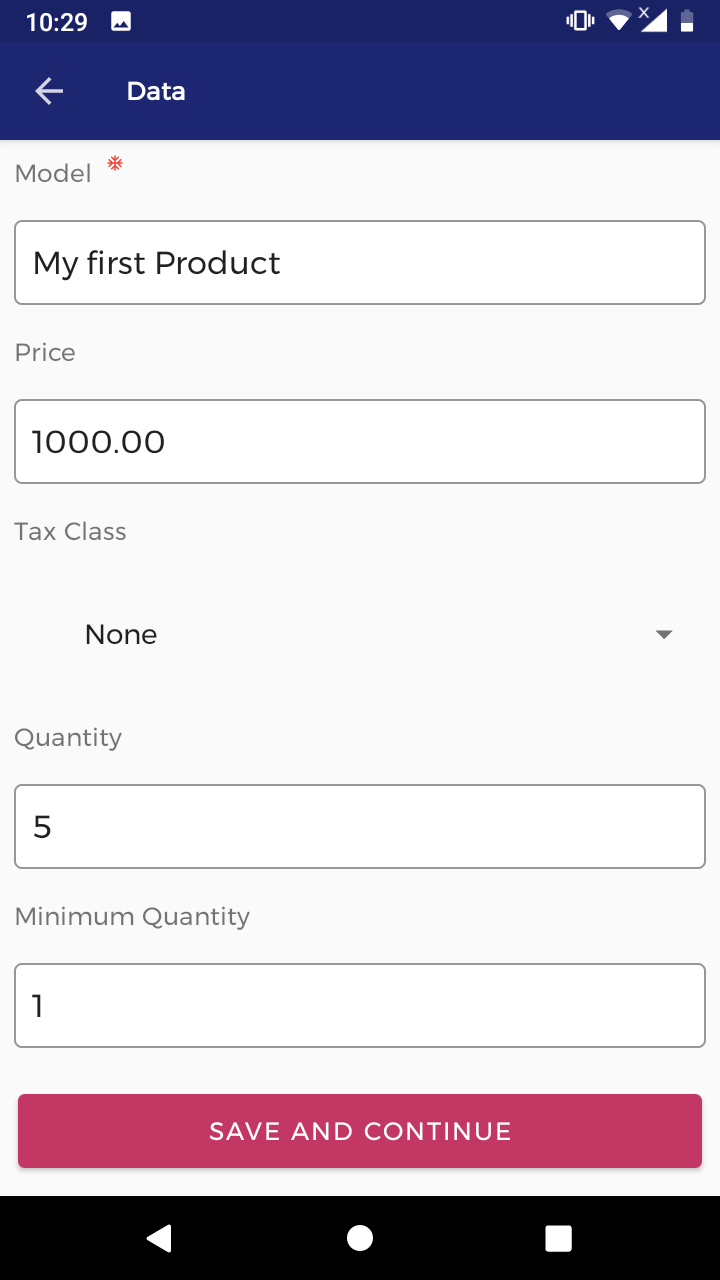
# Enter data information of your product.
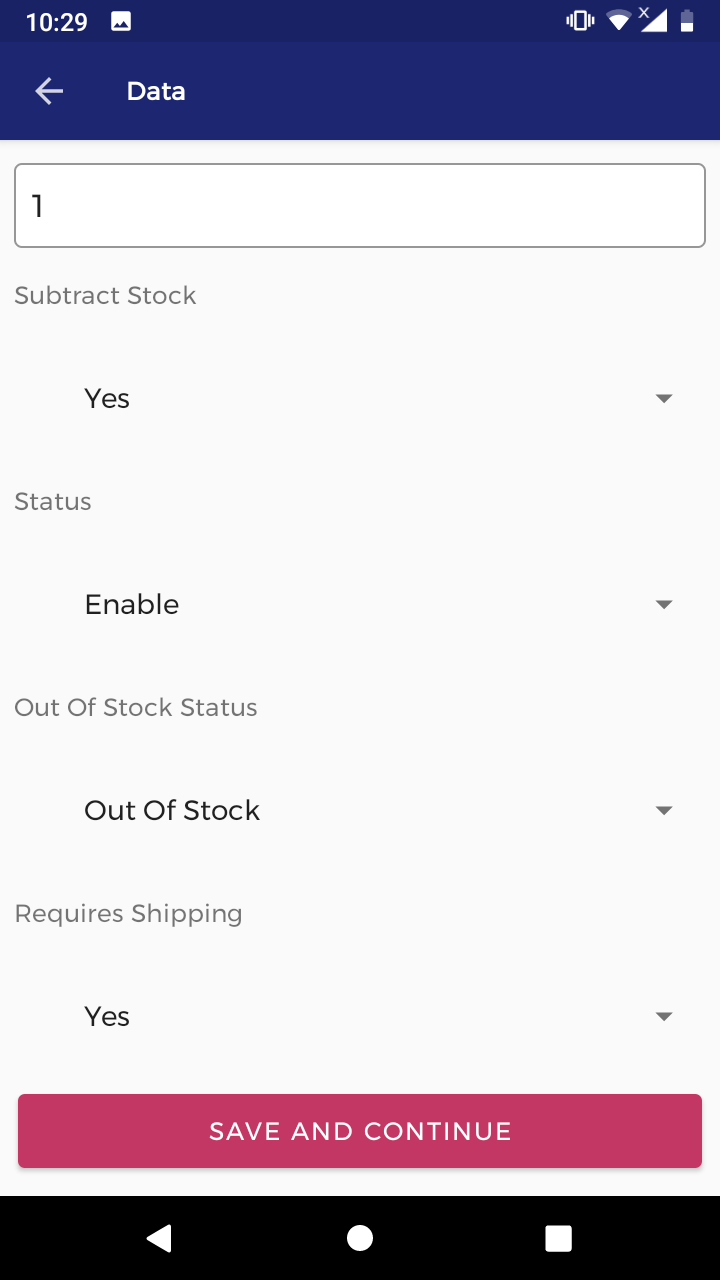
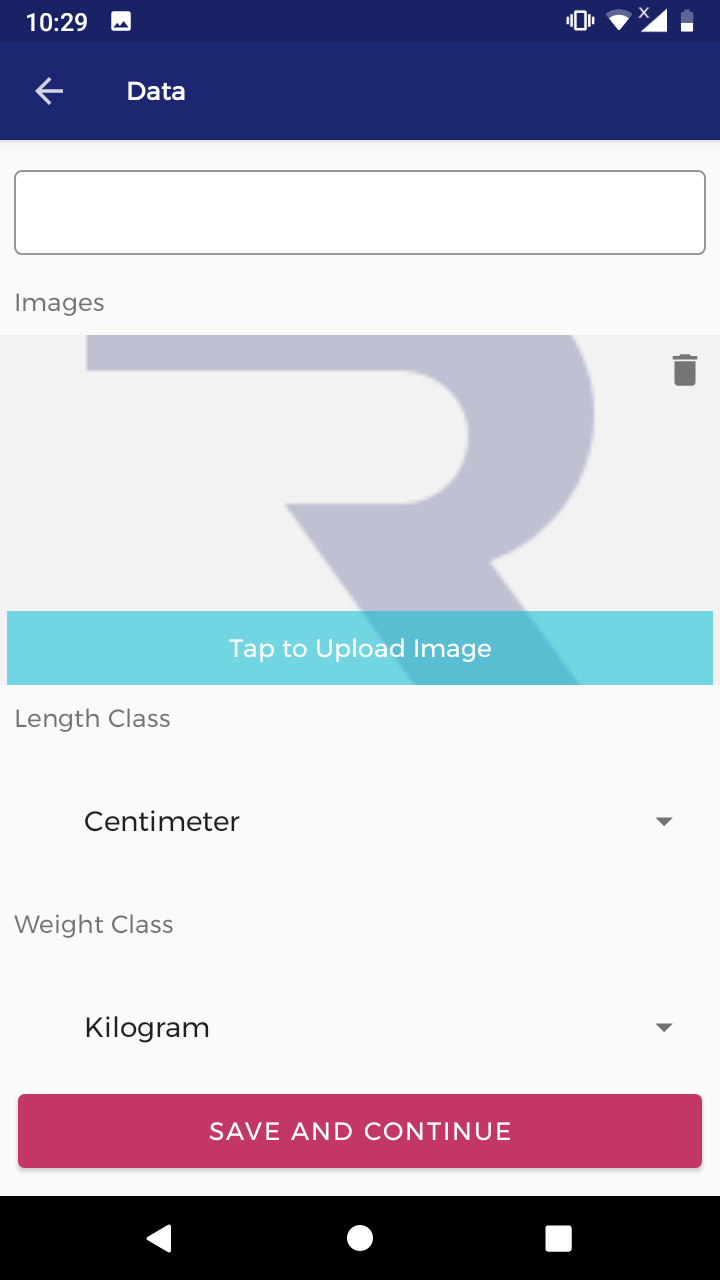
# Select the product link to require.
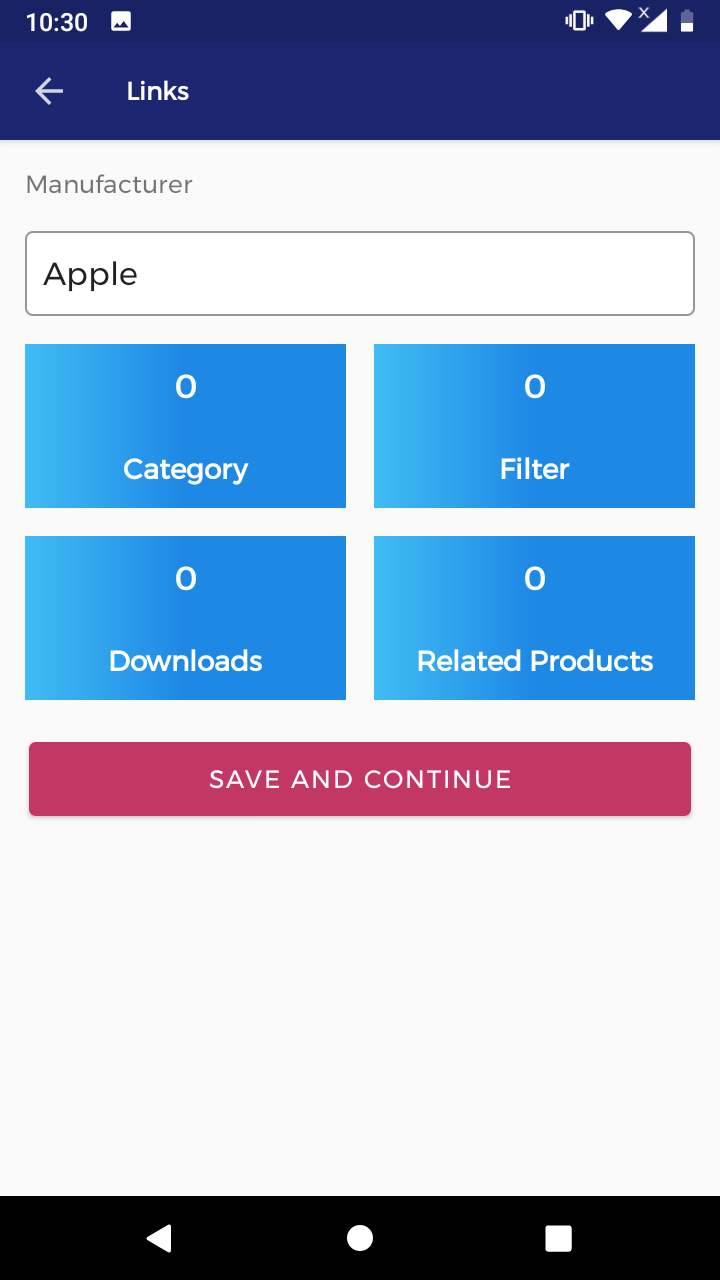
# Select the product subcategory to require.
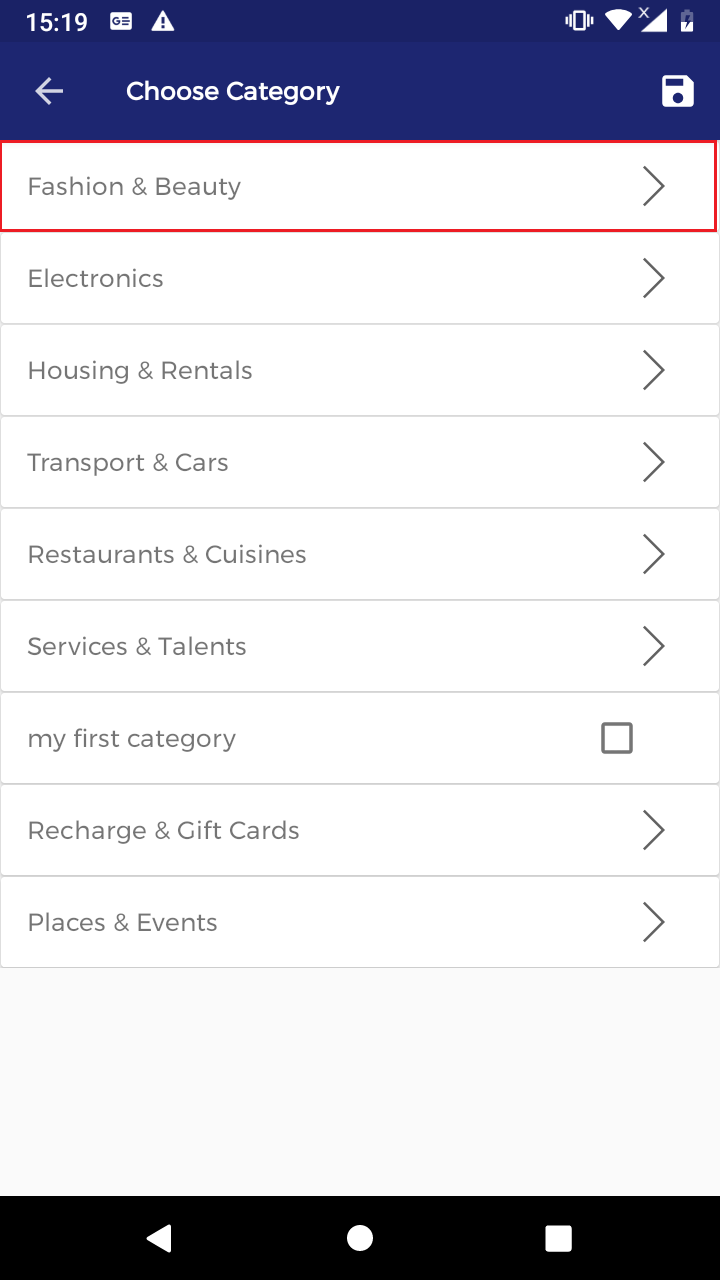
# Select the product category to require.
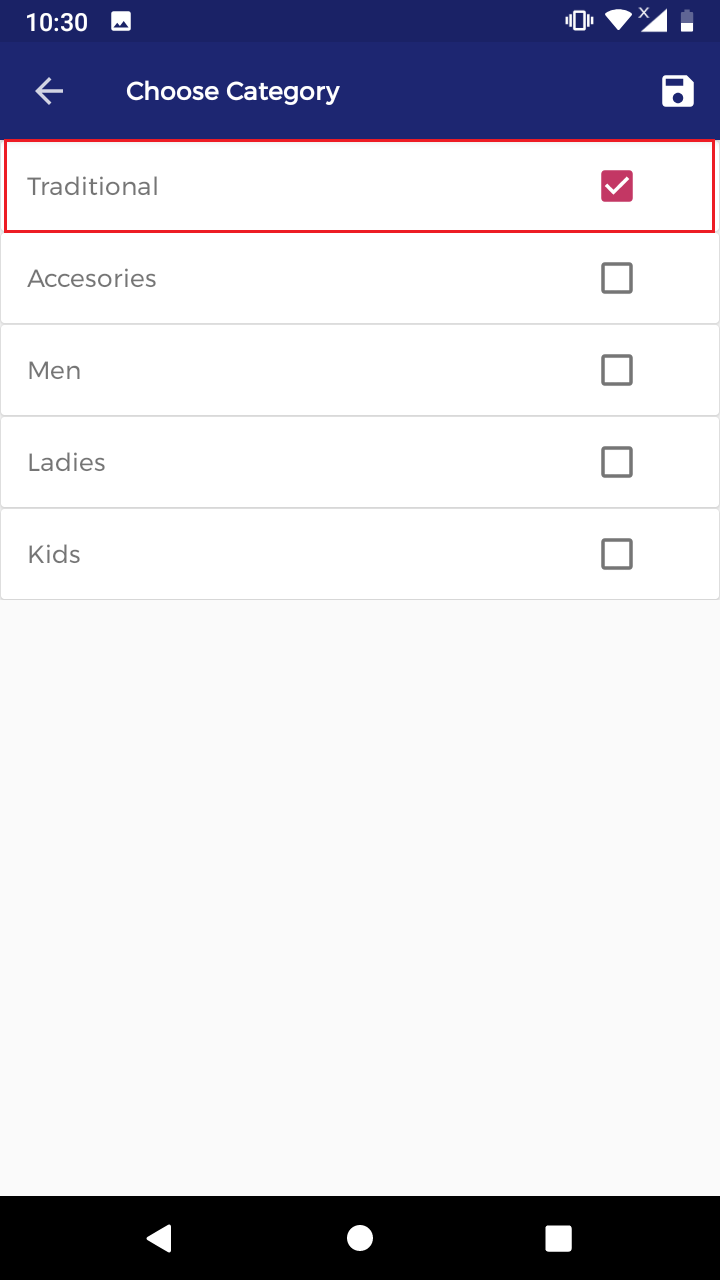
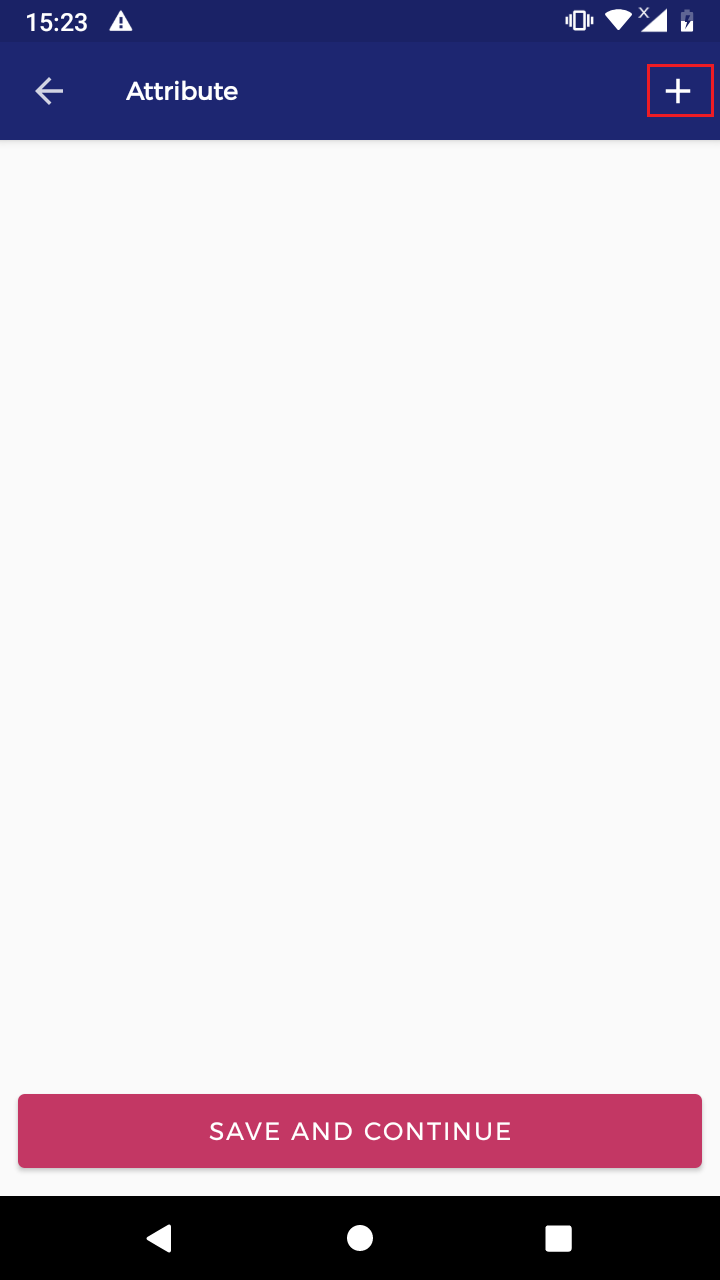
# (+)Sign select and add the attributes.
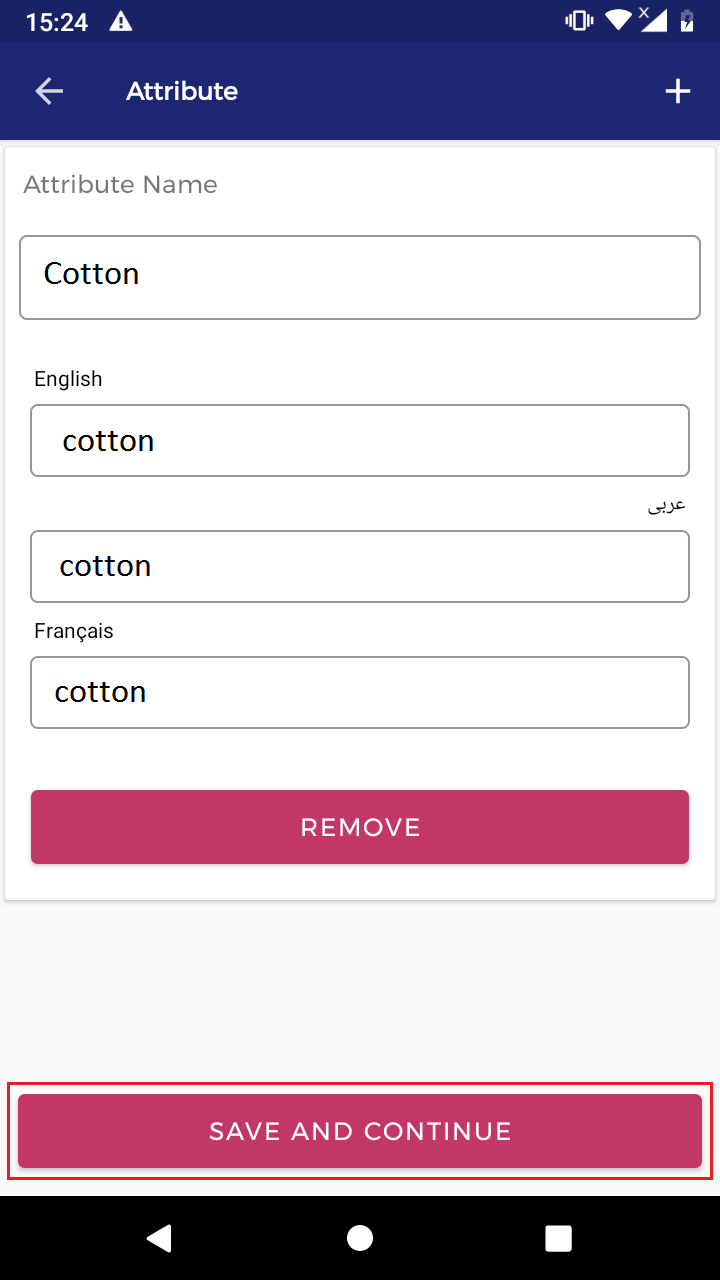
# Insert the attribute name and value name.
# (+)Sign select and add the option.
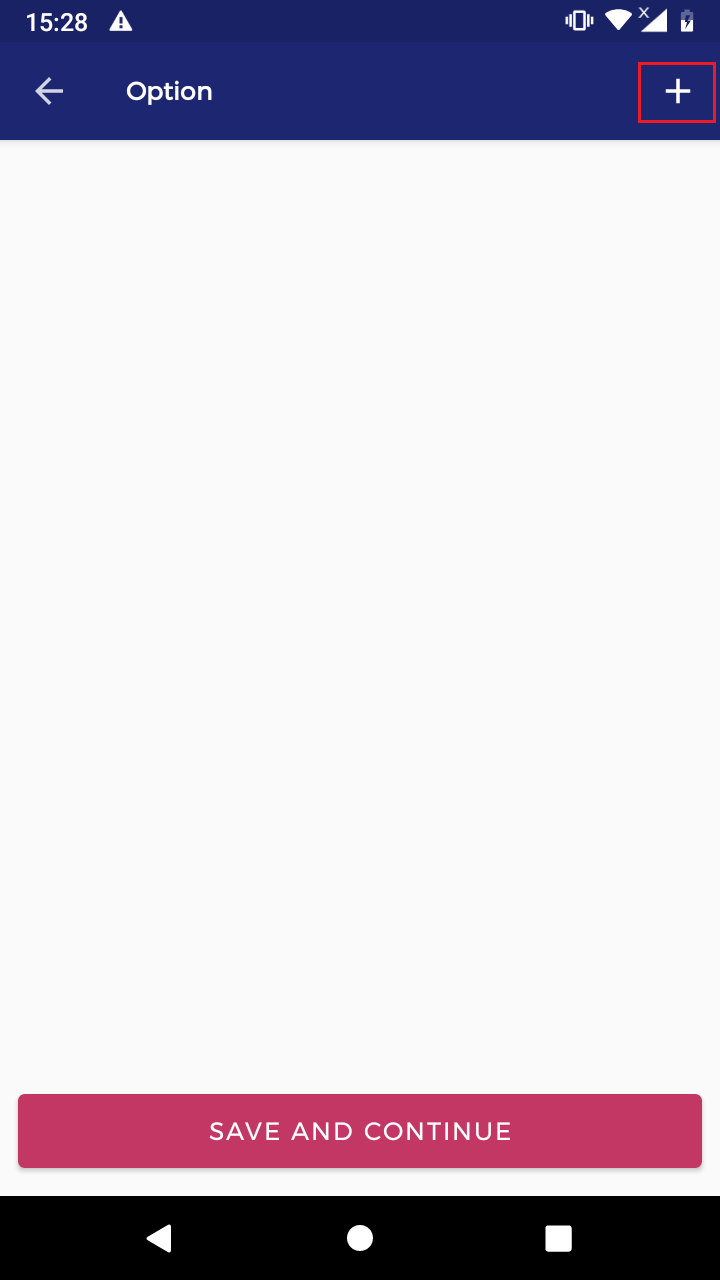
# Select the product option.
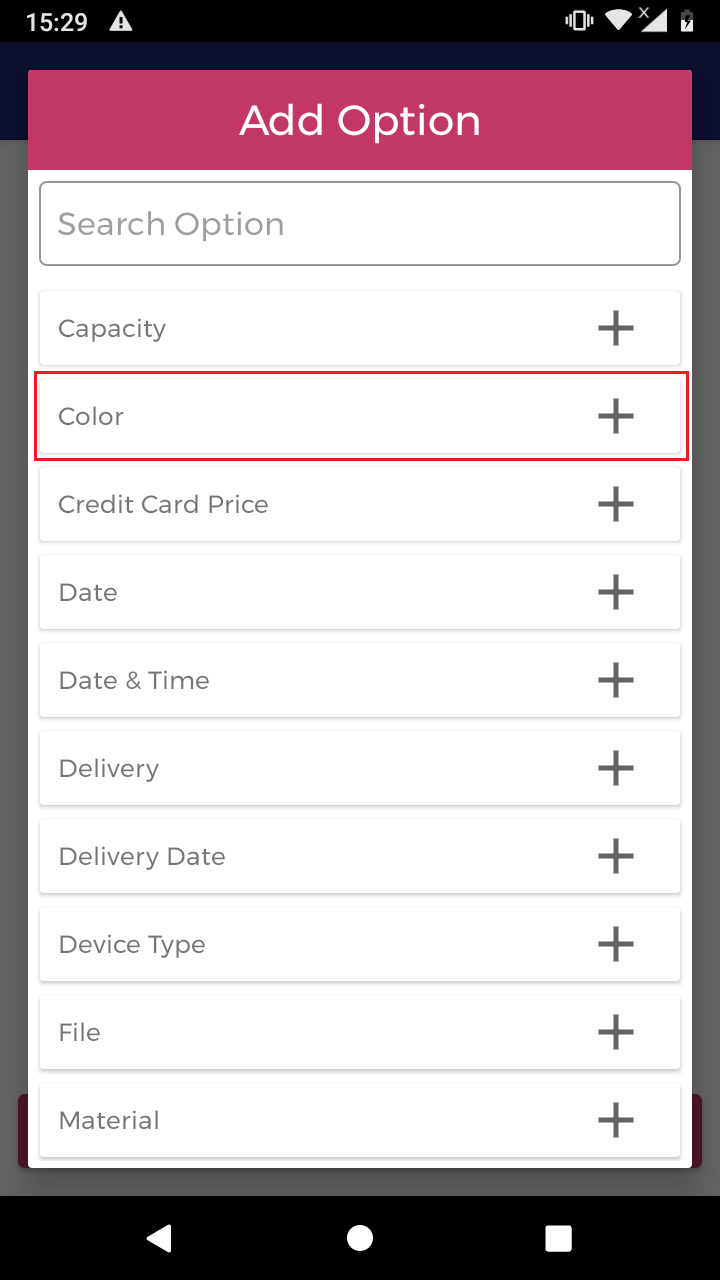
# Added the product option value.
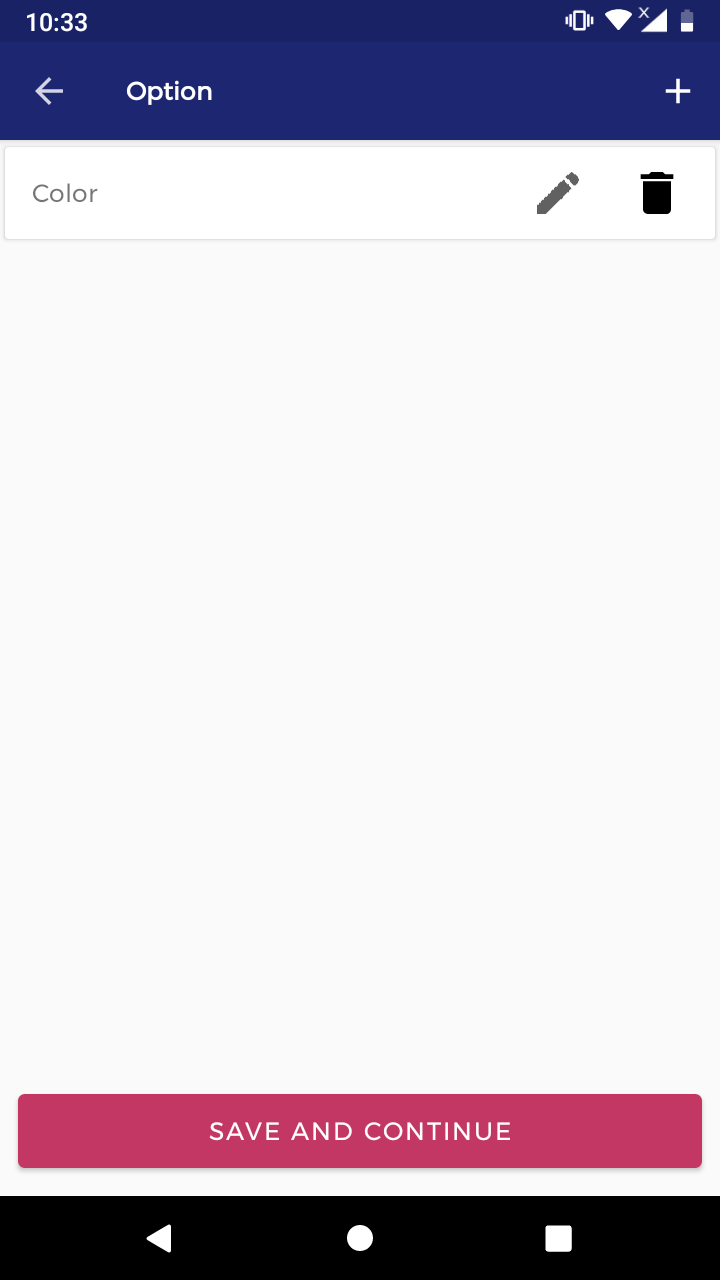
# (+)Sign select and add the discount.
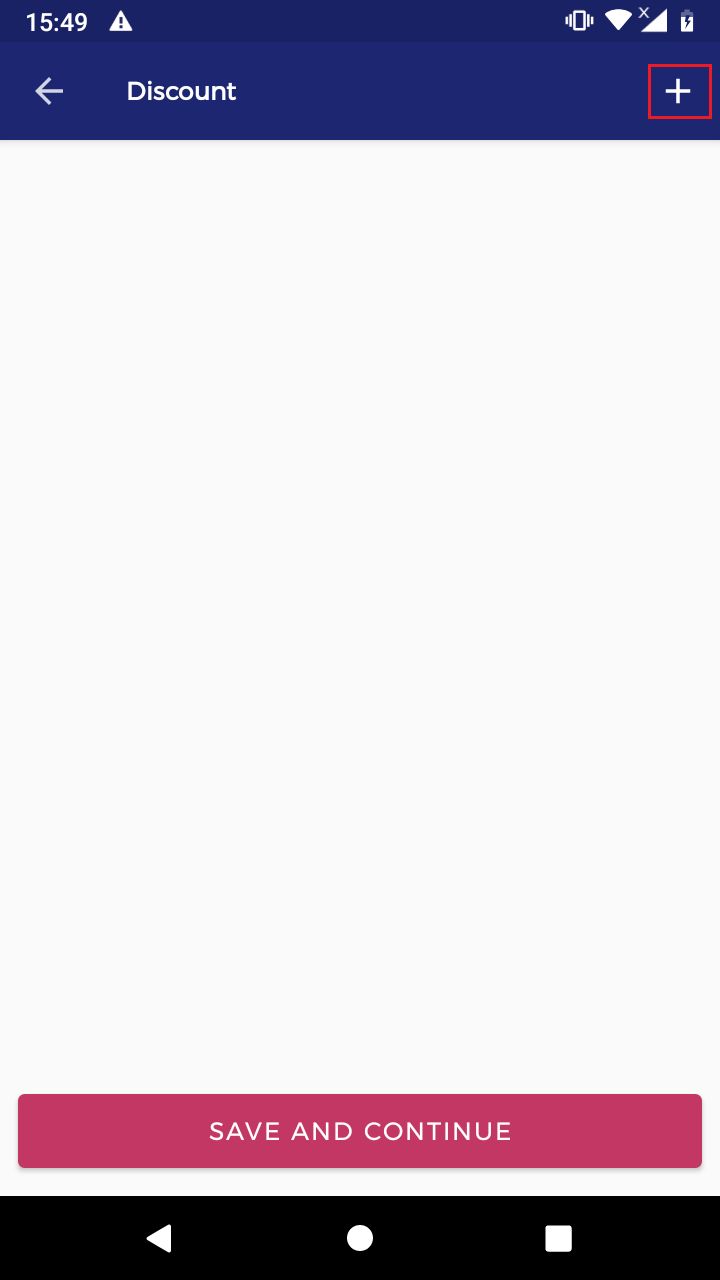
# Insert the value and save information.
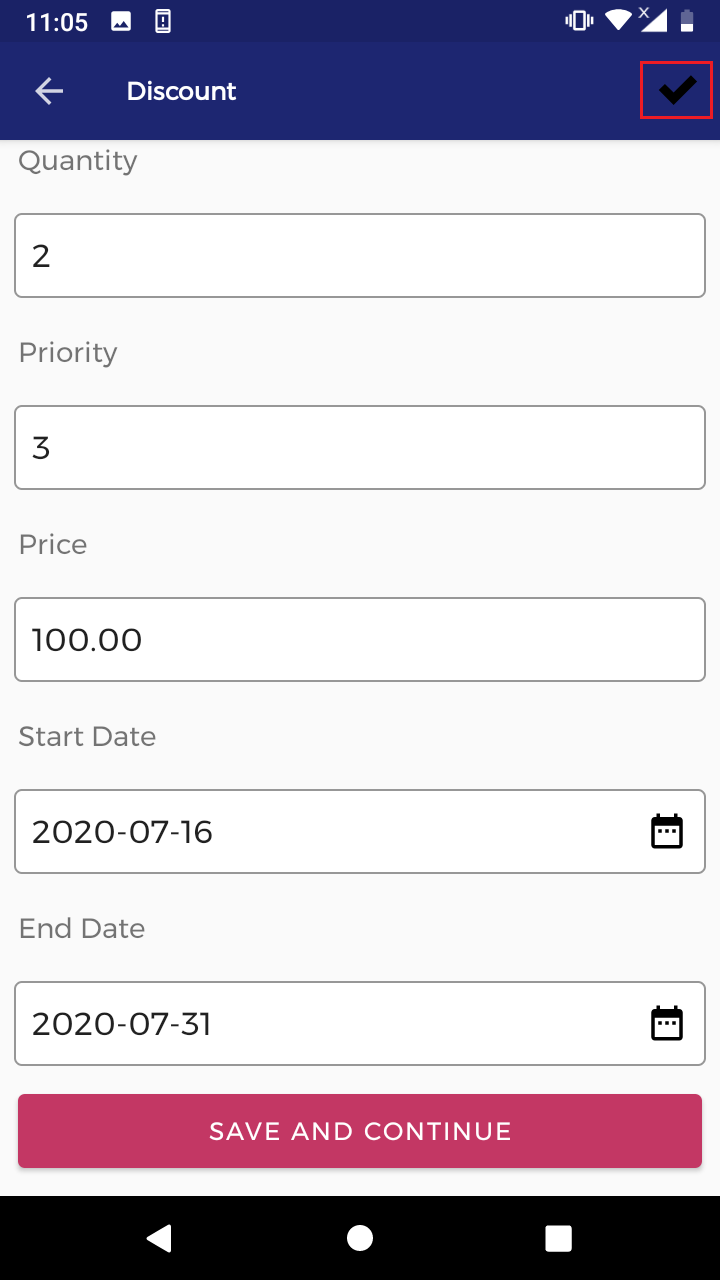
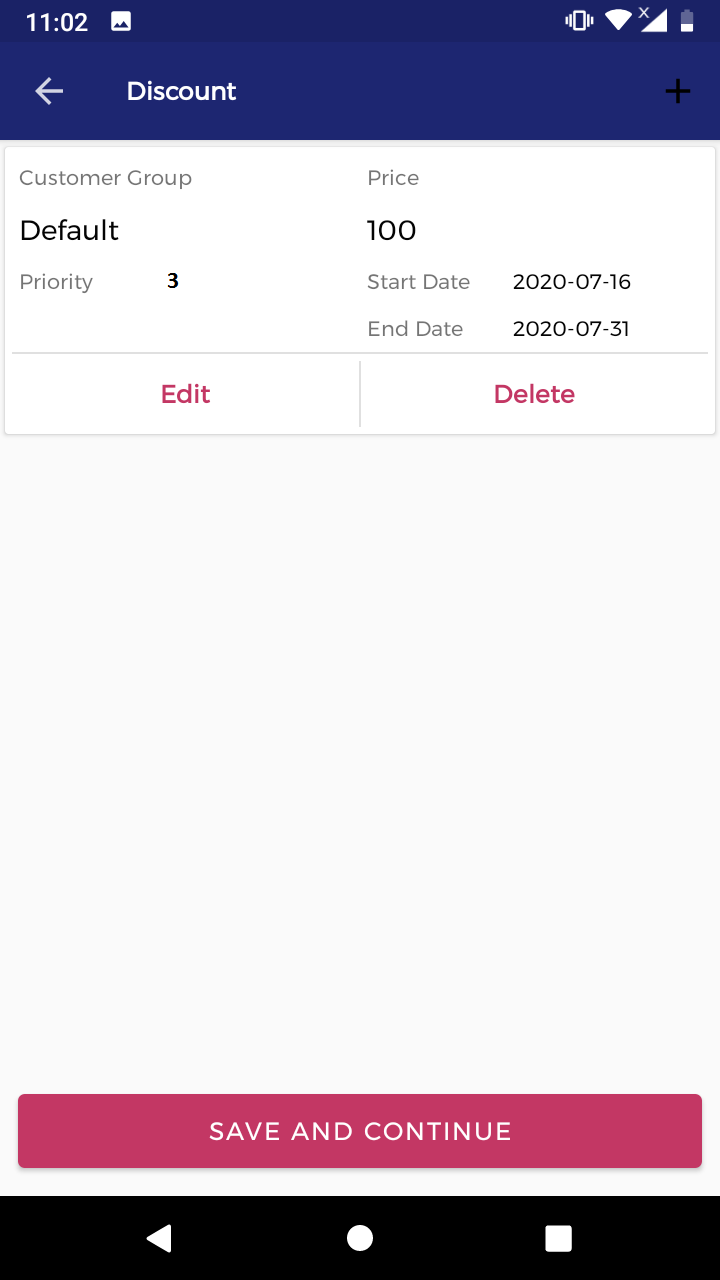
# Added the product discount value.
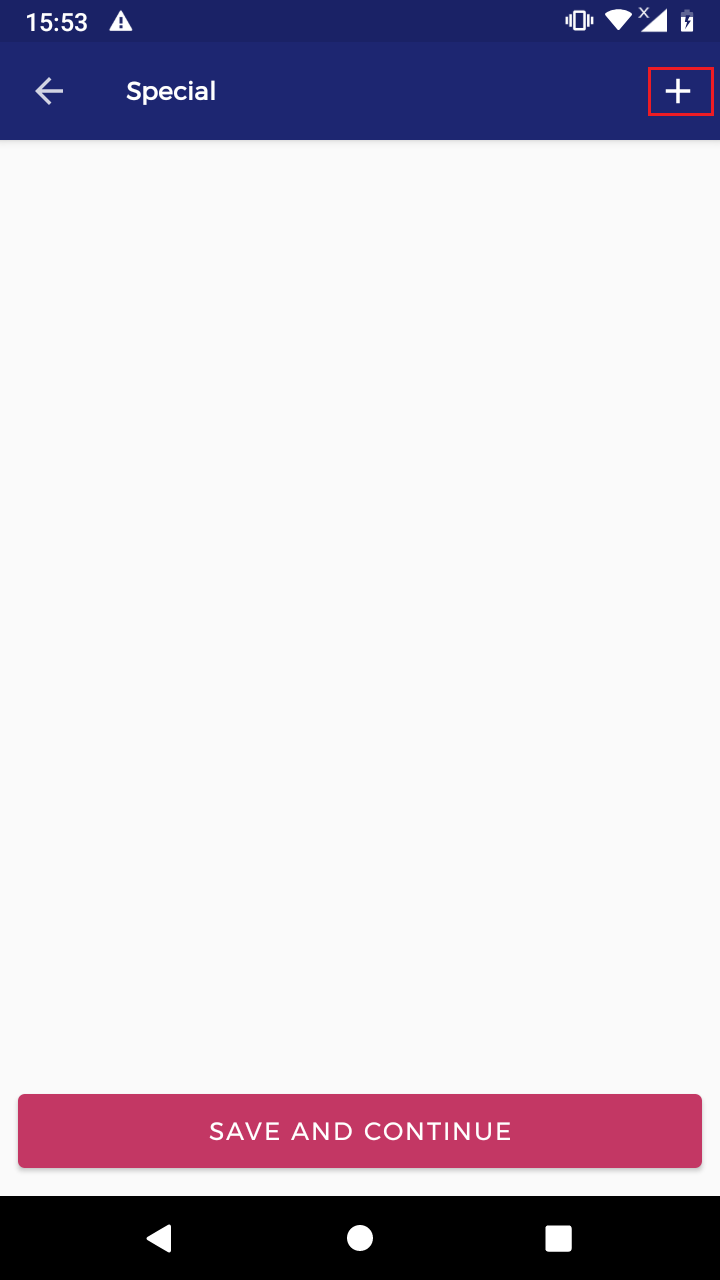
# (+)Sign select and add the special value.
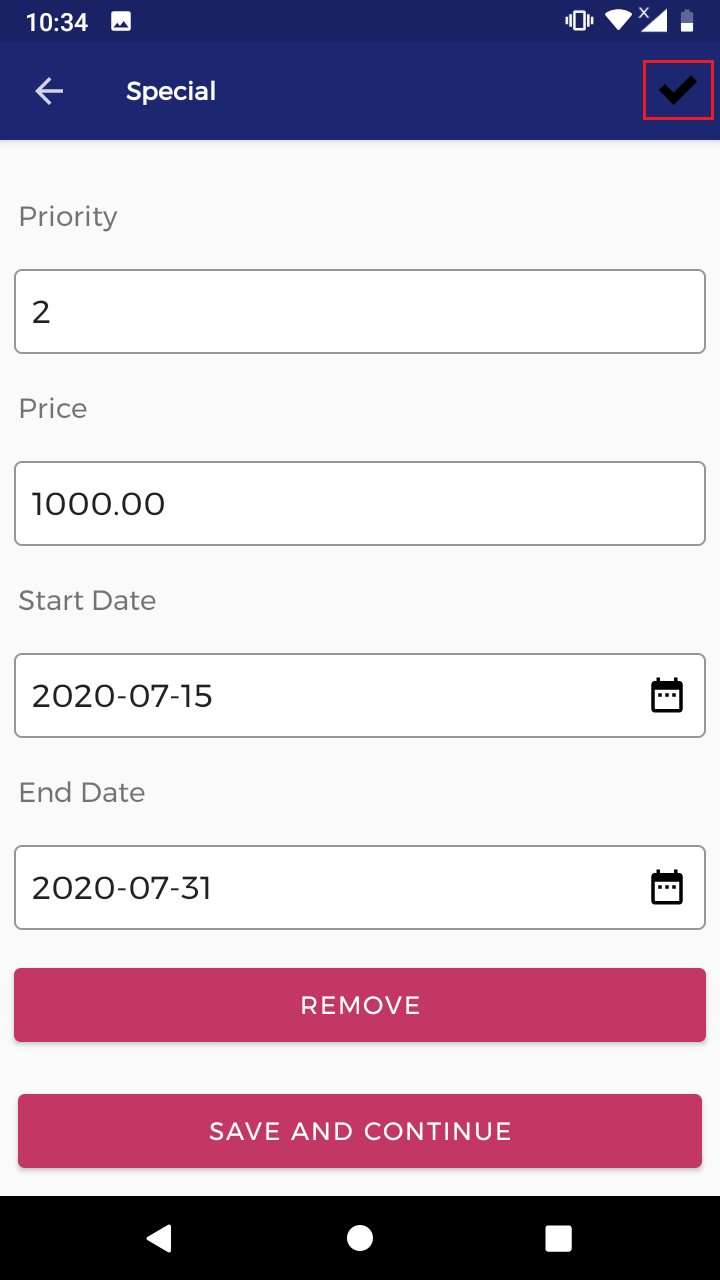
# Insert the value and save information.
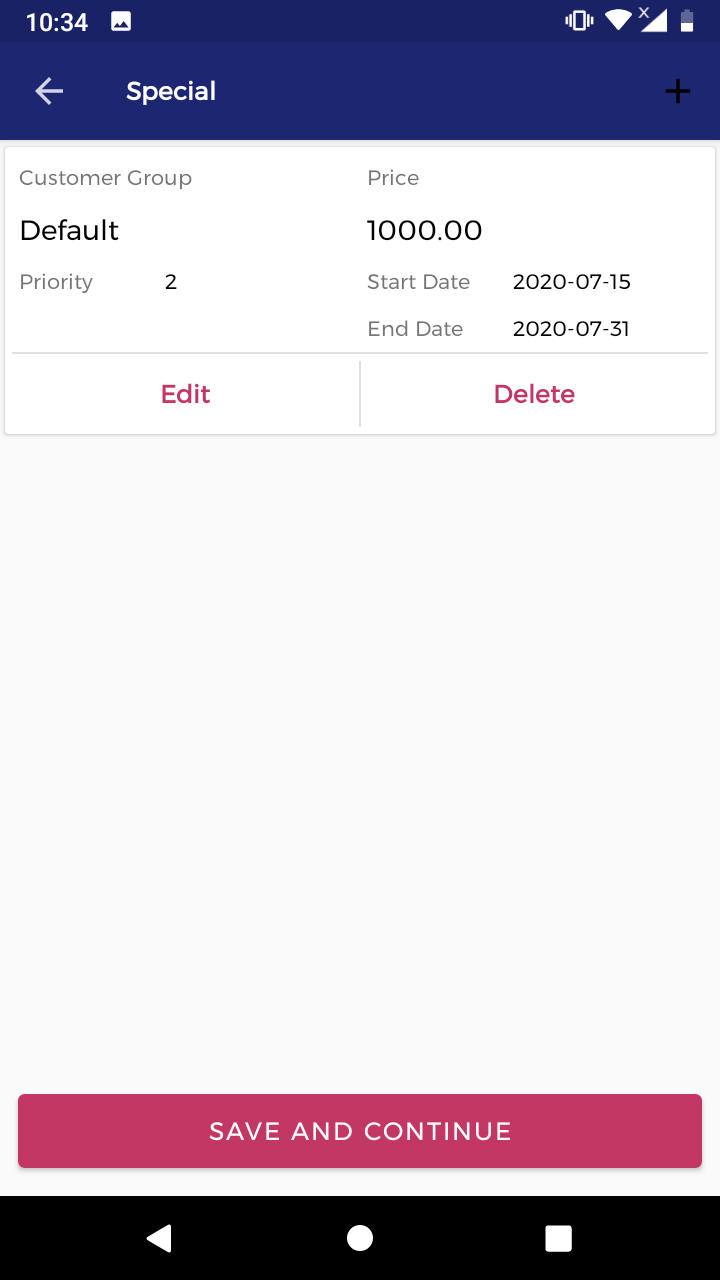
# Added the product special value.
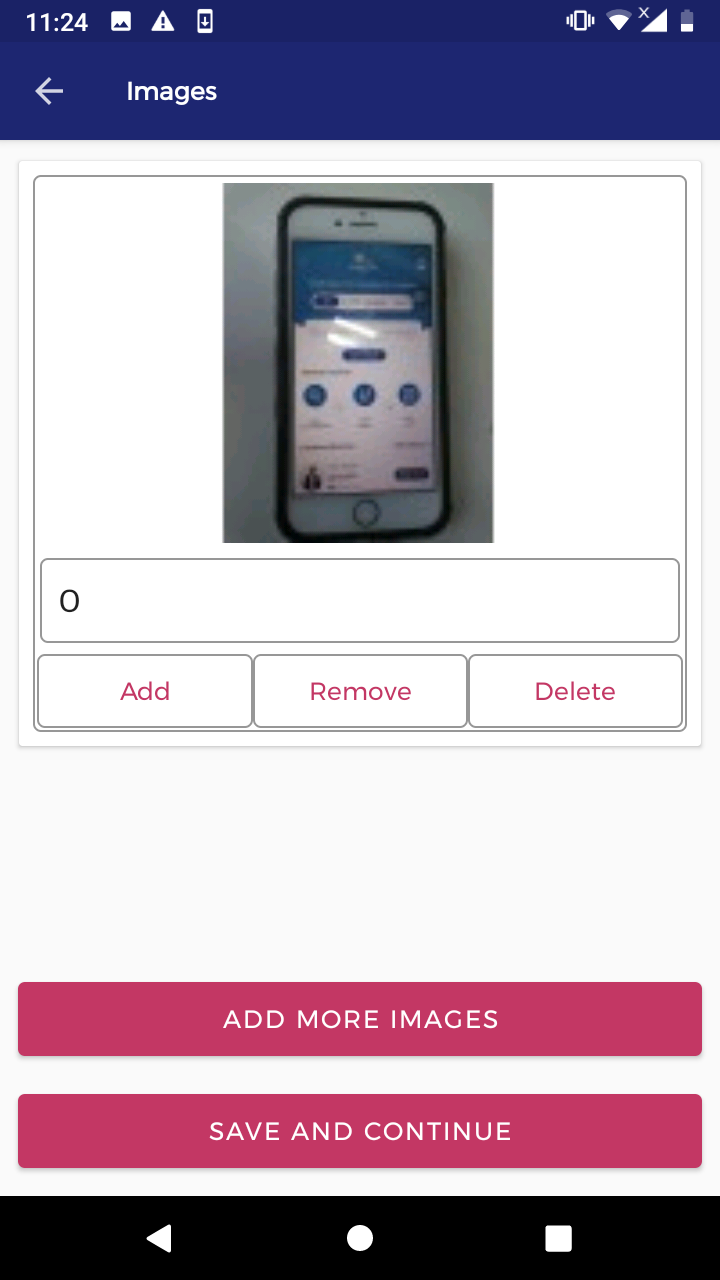
# Select the add button and upload the image.
6) How to Edit Product list
# (Note:-) Same process add product.

7) How to delete Product list
# Select the delete button.
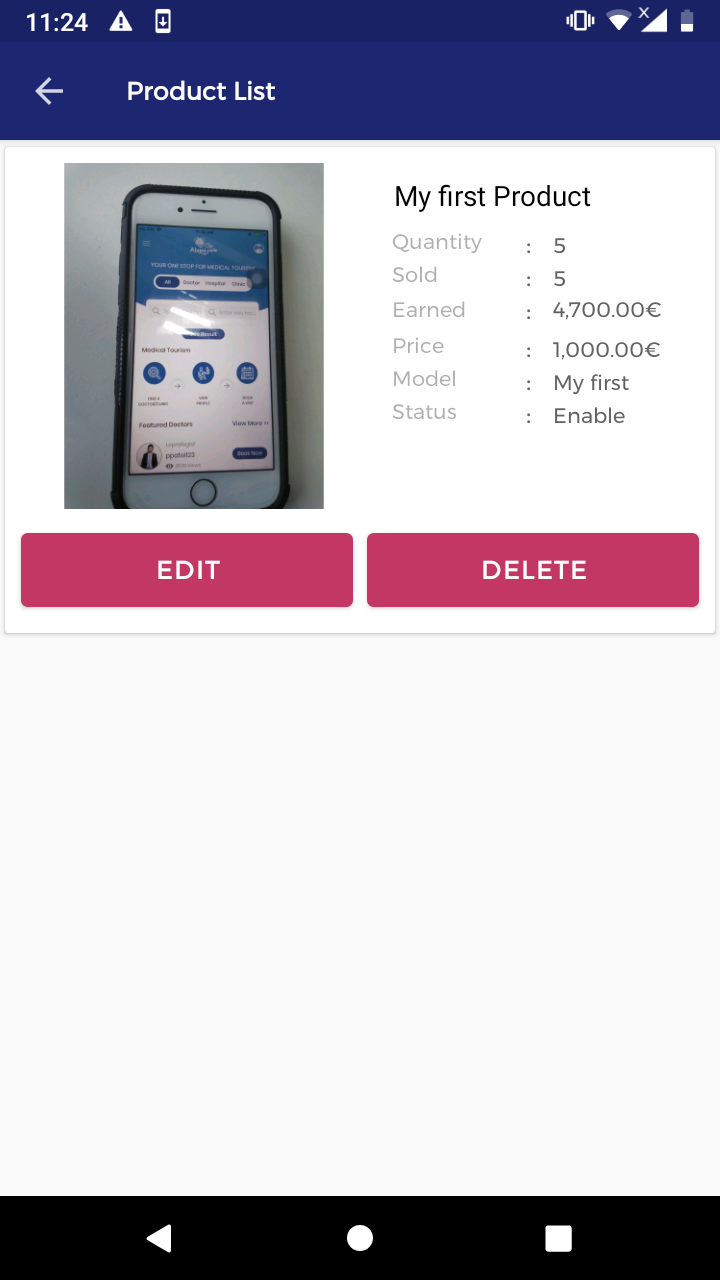
8) How to check Product list
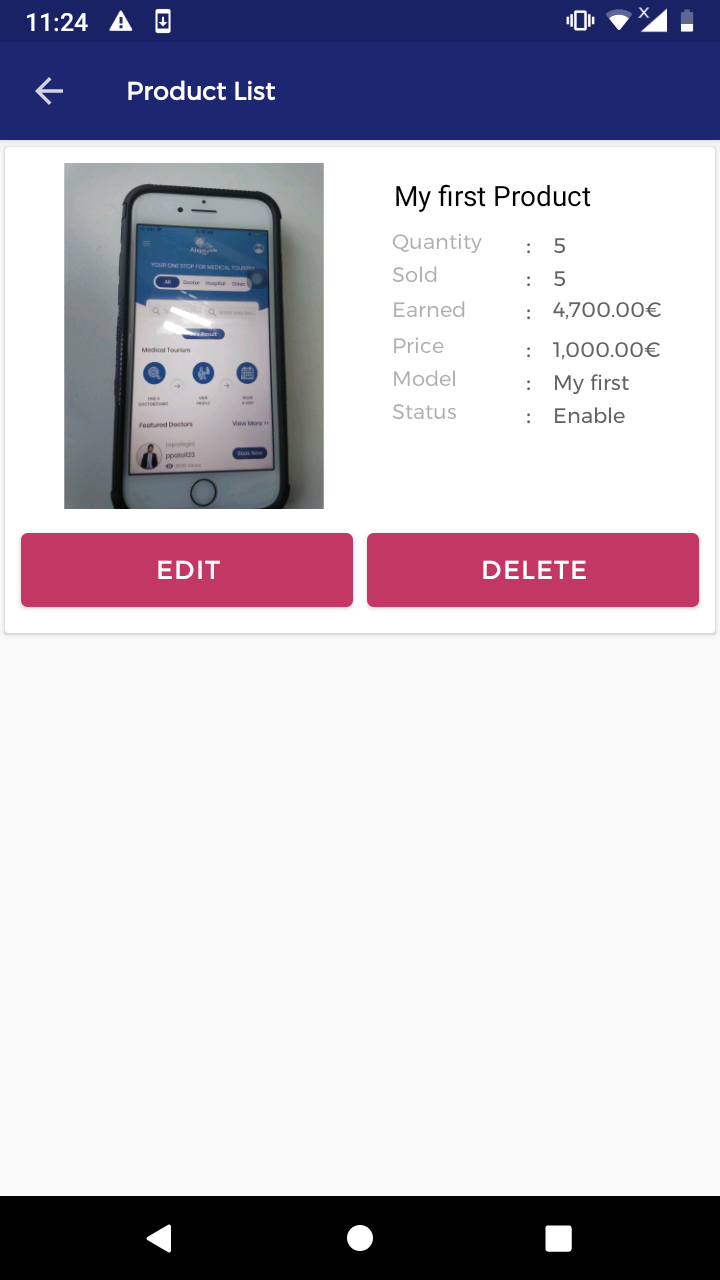
6) How to check order history
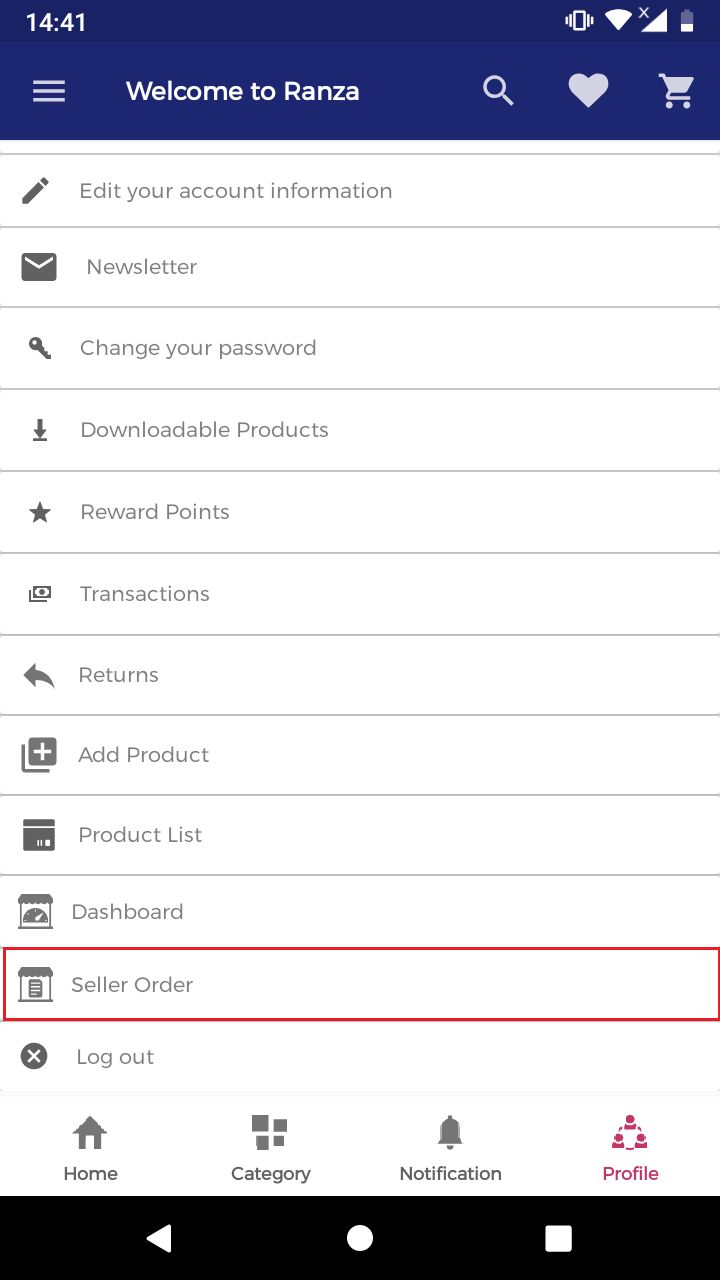
# Select the seller order.
# Select the product order view button.
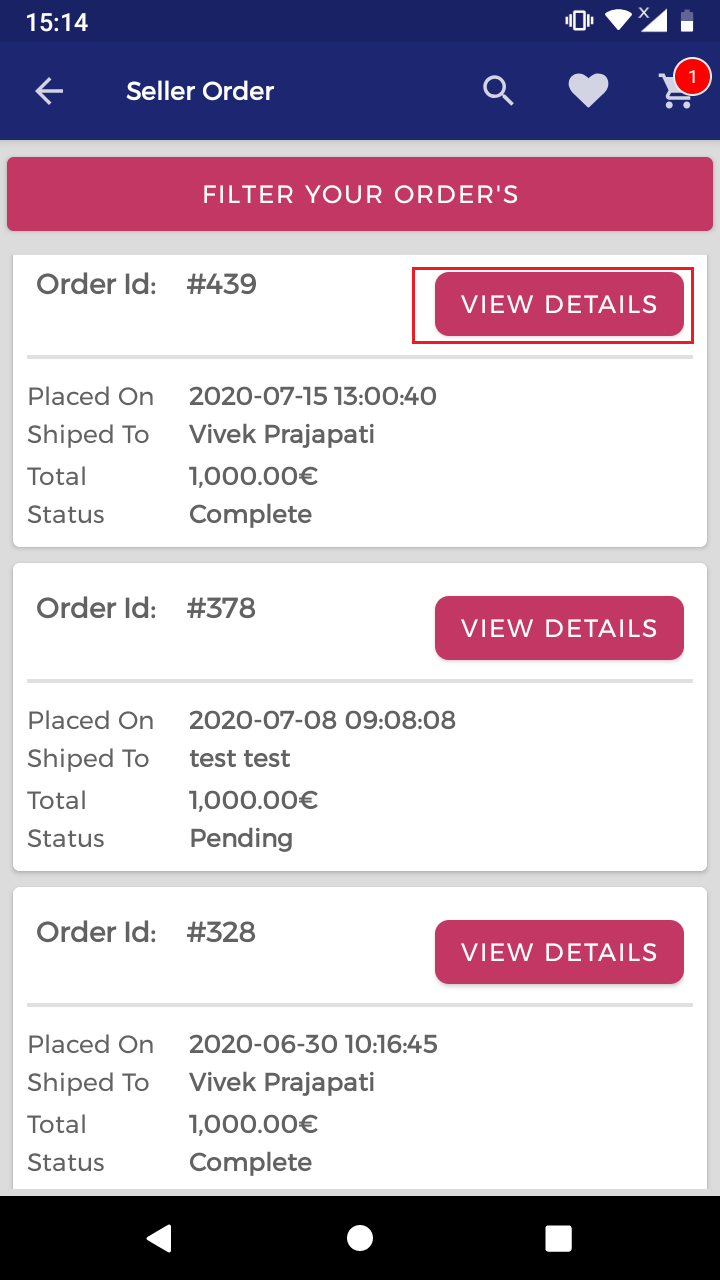
# Check the product order details.
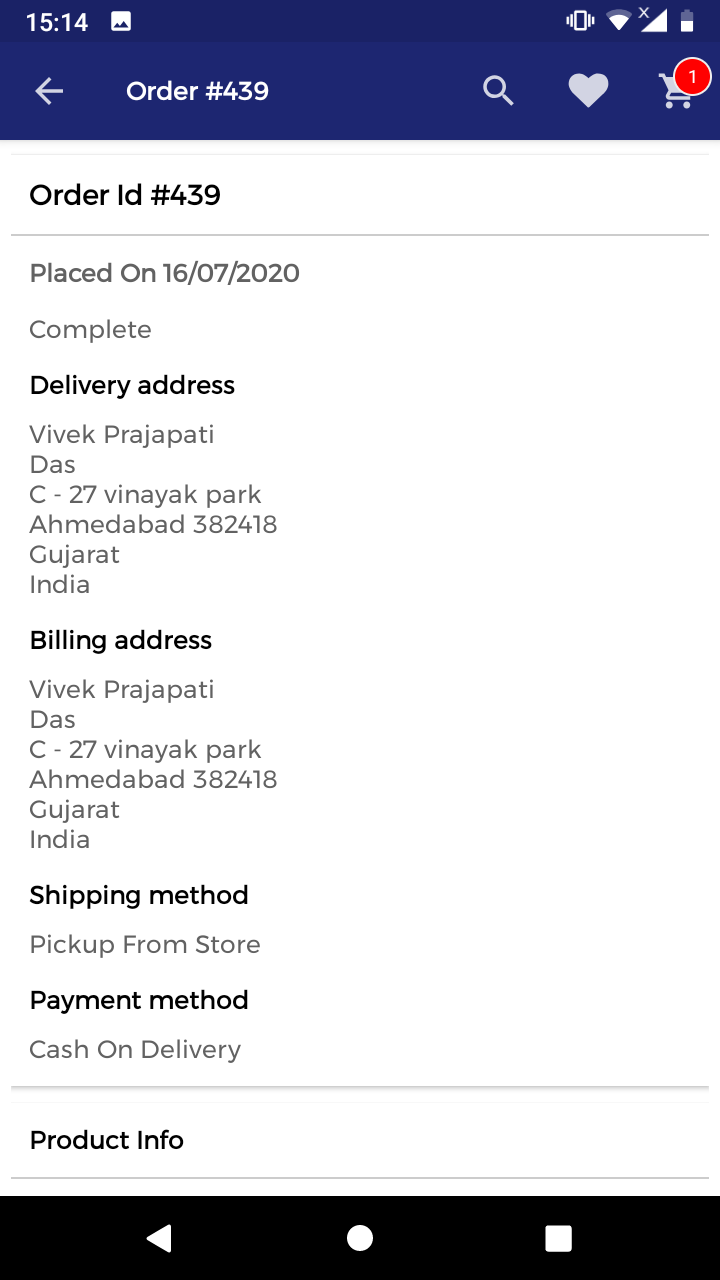
# Please check the notic.
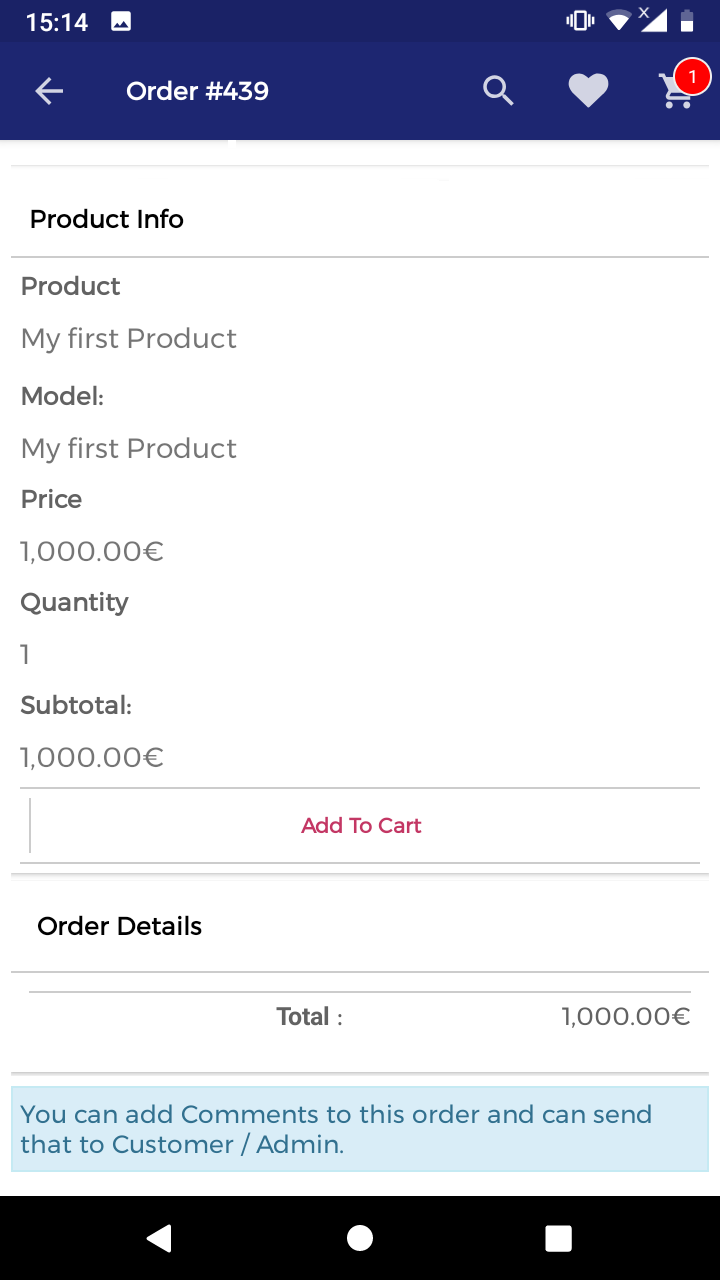
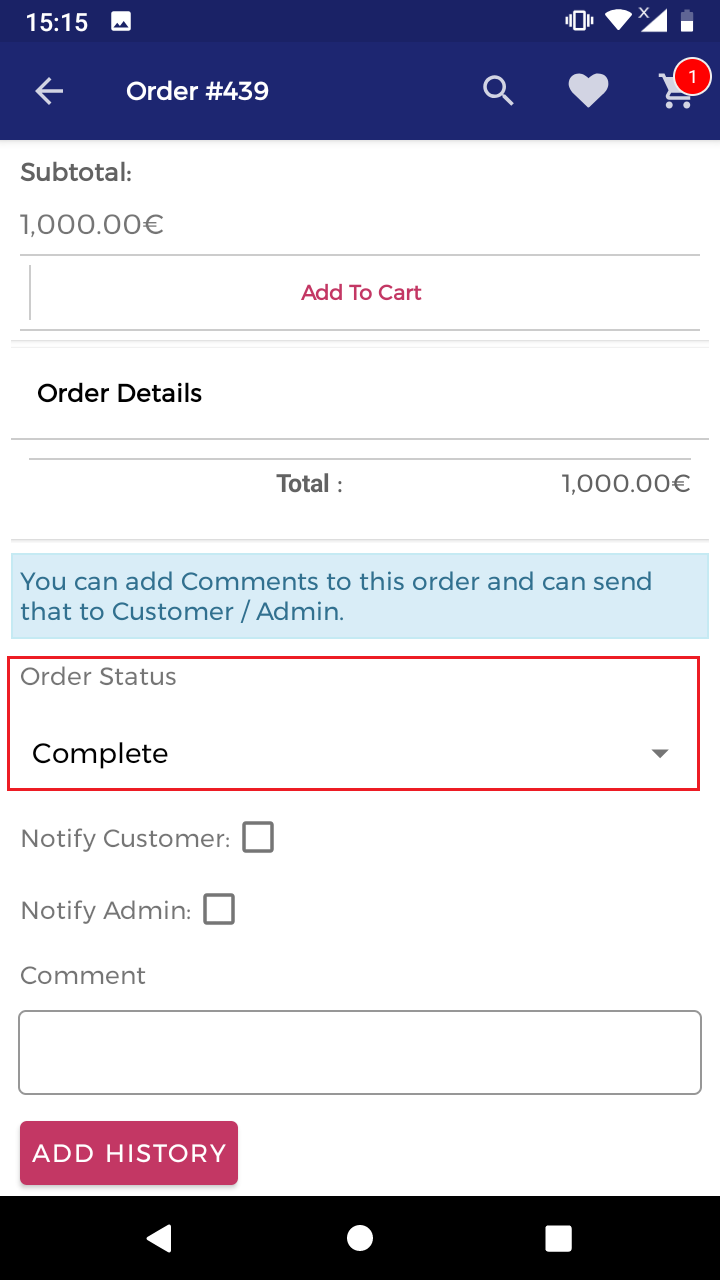
# Select the product order status and add history.